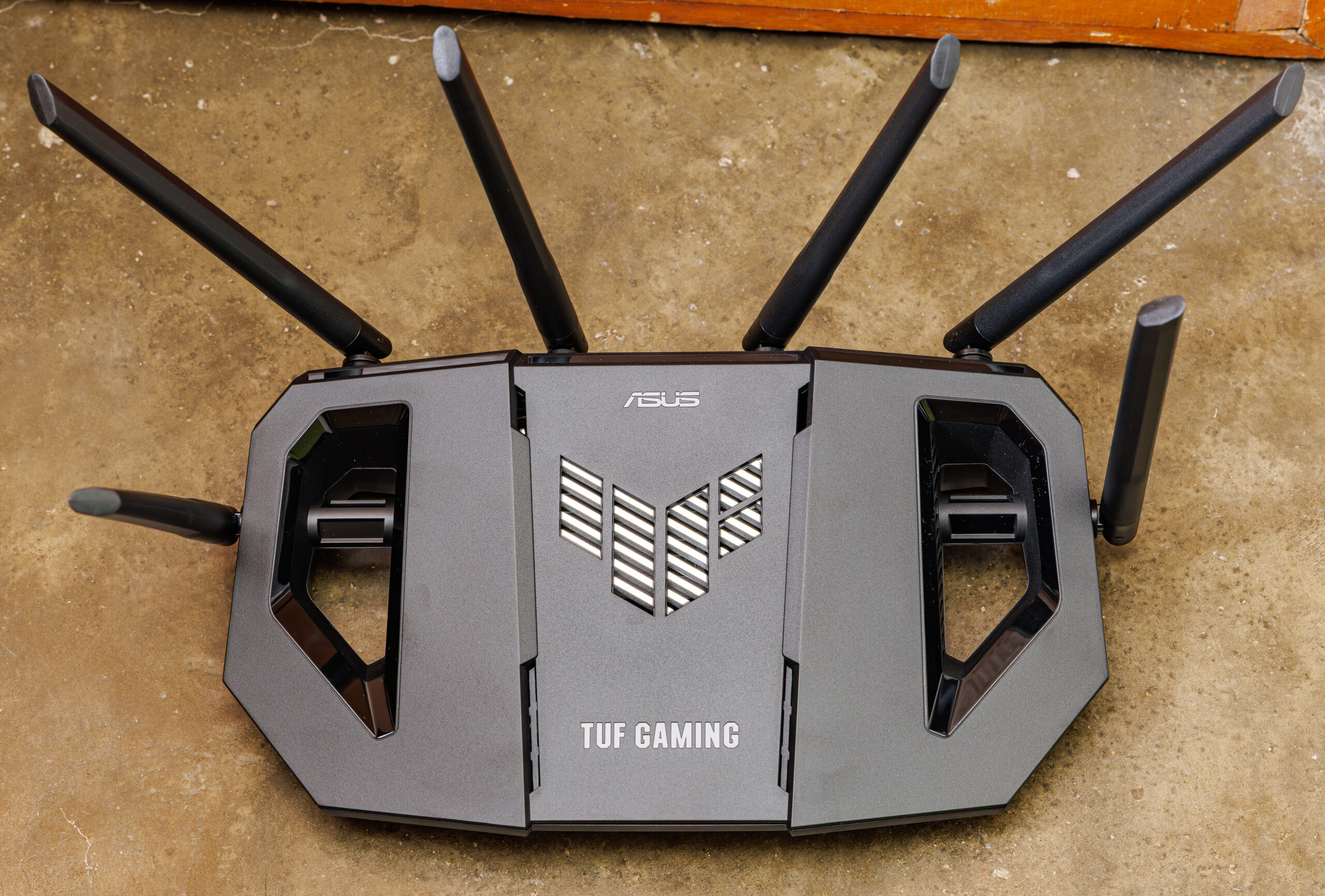
Every few years a new Wi-Fi standard arrives, and routers hit the shelves promising dramatic improvements. Wi-Fi 7 is the latest generation of wireless networking, and in 2026 it is showing up in a growing number of routers, laptops, and phones. But does the average household actually need to upgrade? In this guide we explain what Wi-Fi 7 brings to the table, who will benefit from it, and when it makes sense to stick with what you already have.
What Wi-Fi 7 Actually Brings to Your Home
Wi-Fi 7, known technically as the 802.11be standard, is the successor to Wi-Fi 6 and Wi-Fi 6E. Rather than a single headline trick, it bundles several improvements that together make wireless networks faster, more responsive, and better at handling crowded airwaves.
The headline benefit is speed. Wi-Fi 7 can move data noticeably faster than previous generations when both the router and the device support it, which helps with large downloads, cloud backups, and moving files between devices on your home network. It also reduces latency, the small delay between a request and a response, which matters for online gaming, video calls, and virtual or augmented reality headsets.
Another key improvement is how Wi-Fi 7 uses radio bands. It can combine the 2.4 GHz, 5 GHz, and 6 GHz bands more intelligently, sending data across multiple bands at once. This technique, called multi-link operation, makes connections more stable when one band gets congested. In a busy household where several people are streaming, gaming, and working at the same time, that extra headroom can keep everything running smoothly.
Do You Actually Need a Wi-Fi 7 Router in 2026?
For many people, the honest answer is not yet. A new standard only reaches its full potential when your devices support it too. If your laptop, phone, and streaming boxes only support Wi-Fi 6 or earlier, a Wi-Fi 7 router will still work with them, but you will not see the biggest benefits. It is worth checking which standards your most-used devices support before spending money.
Your internet plan matters as well. A faster router cannot make your connection faster than the speed your internet provider delivers to your home. If your broadband plan is modest, upgrading the router alone will not change much. Wi-Fi 7 makes the most sense for households with fast fibre connections, lots of connected devices, or demanding uses like competitive gaming, 4K and 8K streaming, or a home full of smart gadgets.
There is also the question of your current router. If your existing router is old, dropping connections, or struggling to cover your home, replacing it will help regardless of the standard. But if you bought a decent Wi-Fi 6 router in the last couple of years and it works fine, there is little urgency to replace it.
What to Do If You Decide to Upgrade
If you do decide the time is right, a few practical steps will help you get the most from the investment. First, place the router centrally in your home, out in the open rather than tucked inside a cabinet, since walls and furniture weaken the signal. Second, look for a router with good coverage for your home size; larger homes may benefit more from a mesh system, where several units work together, than from a single powerful router. Third, keep the router’s software up to date, as manufacturers regularly release improvements and security fixes.
Wi-Fi 7 is a genuine step forward, and it will gradually become the default in new devices. But networking upgrades are best made when something is actually holding you back. If your current setup feels fast and reliable, enjoy it a little longer. When the day comes that your devices and your internet plan can take advantage of it, Wi-Fi 7 will be waiting.