Tablets have quietly become one of the most versatile gadgets you can own. They are brilliant for reading and streaming on the sofa, handy for emails and video calls, and increasingly capable as lightweight work machines. Whether you want a tablet for the office, for entertainment, or a bit of both, here is how to think about the options available in 2026.
Tablets for Work
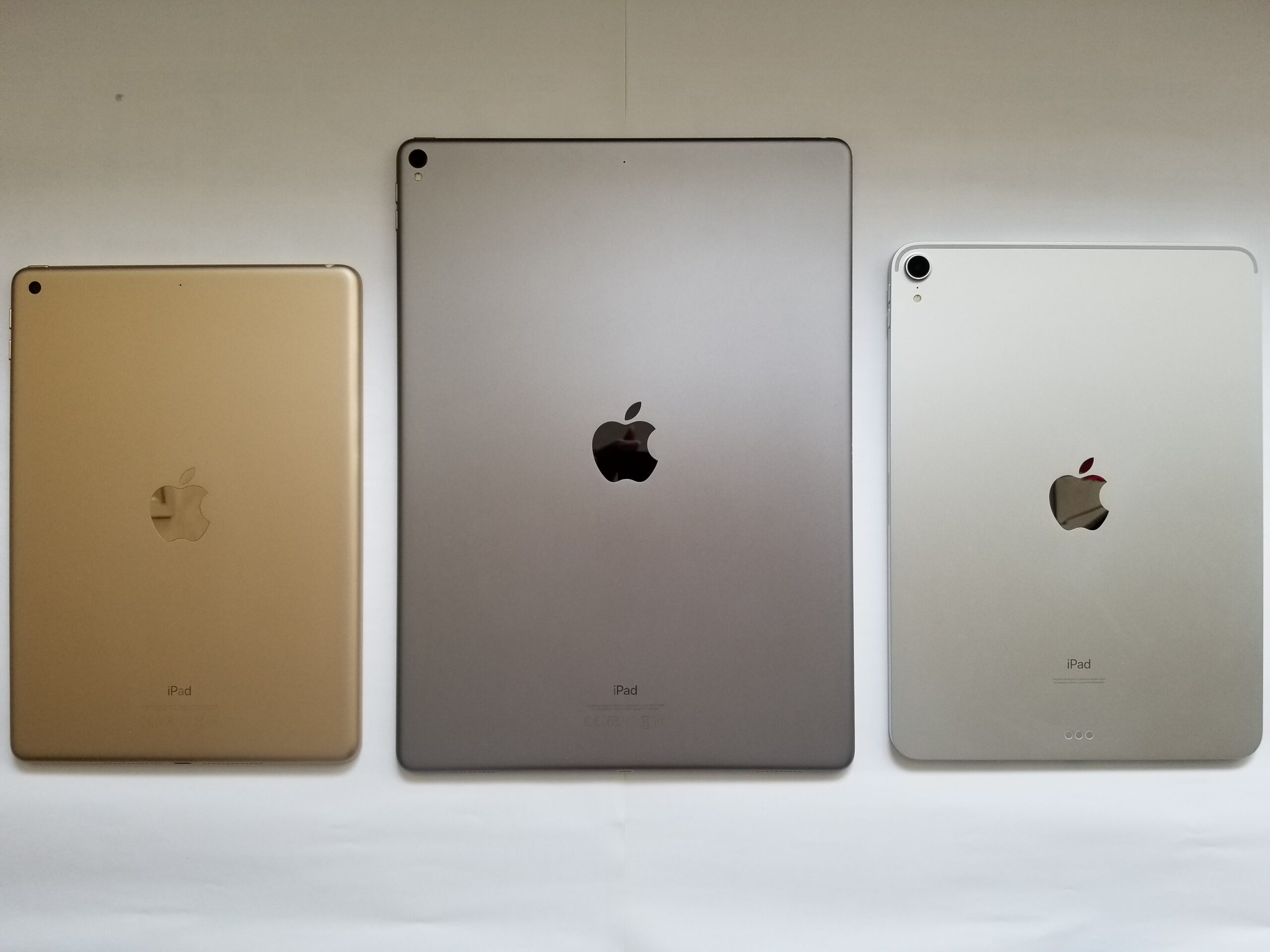
If your tablet needs to pull its weight during the working day, the Apple iPad lineup is the natural starting point. The standard iPad handles email, documents, spreadsheets and video calls with ease, while the iPad Air and iPad Pro step things up for heavier multitasking and creative work, especially when paired with a keyboard cover and the Apple Pencil. Apps like Microsoft Office, Google Workspace and Zoom all run smoothly, and the large app ecosystem means there is a tool for almost every job.
On the Android side, the Samsung Galaxy Tab range is the strongest alternative. The higher-end models offer large, vibrant displays that are great for split-screen multitasking, and Samsung’s DeX mode gives a more desktop-like experience when you connect a keyboard. For Windows users, Microsoft’s Surface tablets run the full desktop version of Windows, so every work app you use on a laptop works exactly the same way, which can be a deciding factor if you rely on specialist software.
Whatever platform you pick, a keyboard accessory transforms a tablet from a consumption device into a genuine productivity tool. Typing long emails, editing documents and joining video calls all become far more comfortable, and many keyboards double as protective covers, so they earn their place in your bag.
Tablets for Play
For pure entertainment, you have more freedom to spend less. The standard iPad remains a superb all-rounder for streaming, gaming and reading, with access to the huge iOS app and game library. Samsung’s mid-range Galaxy Tabs are strong here too, with bright screens that make films and shows look great.
If your idea of play is mostly watching video, reading ebooks and browsing in bed, Amazon’s Fire tablets are worth a look. They are designed around media consumption, tie neatly into Amazon’s video, book and music services, and are easy on the wallet. They are not workhorses, but as a second tablet for the living room or for the kids, they are hard to beat for value. Speaking of kids, most major brands offer durable cases and parental controls, which matter more than raw performance for young users.
Gamers should pay attention to screen quality and speaker setup, since a smooth, bright display and decent stereo sound make mobile games far more enjoyable. Storage matters here too: games and downloaded films fill space quickly, so consider a model with generous built-in storage or a memory card slot if you like to keep plenty of media offline for travel.
How to Choose the Right One
Start by being honest about your main use. Ask yourself these questions before you buy:
- Will this replace a laptop for work, or sit beside one for lighter tasks?
- Do you need a keyboard and stylus, or is touch-only fine?
- Which phone do you own? Matching ecosystems, iPhone with iPad or Android with Galaxy Tab, makes syncing effortless.
- How important is screen size? Larger screens suit work and films; smaller ones suit travel and reading.
- Do you need mobile data, or is Wi-Fi enough? Cellular models cost more and need a data plan.
Finally, think about longevity. Tablets tend to last longer than phones, so picking a model with a few years of software updates ahead of it is smart. Buy the tablet that fits the life you actually live, not the one with the longest feature list, and you will end up with a device you reach for every day.