

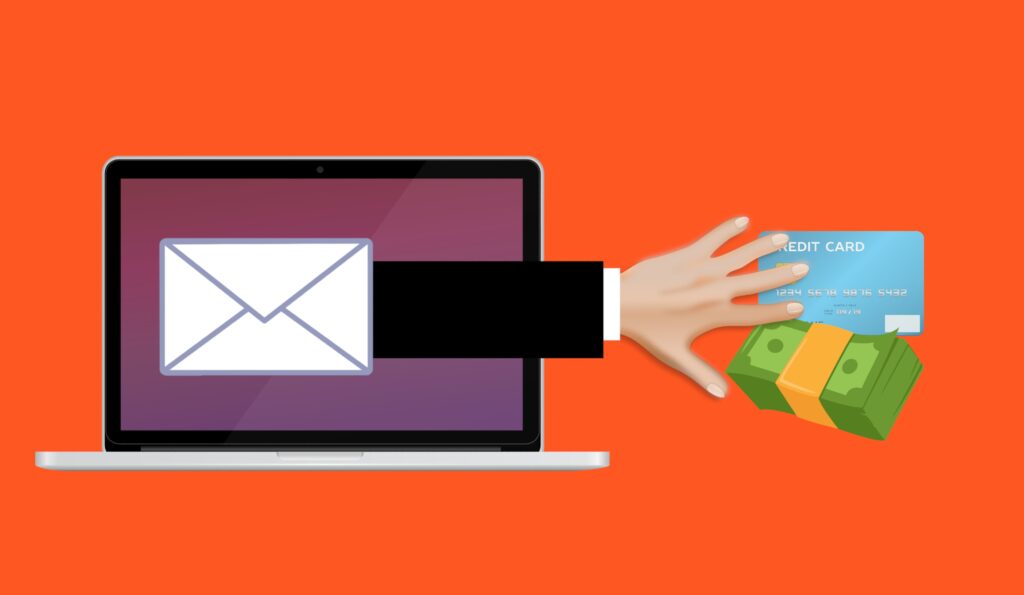
Phishing scams are one of the oldest tricks on the internet, and they are still one of the most successful. Every year, scammers send out millions of fake emails, text messages and social media messages designed to look like they come from banks, delivery companies, government agencies or even your own employer. The goal is always the same: to get you to hand over a password, a payment or personal details without realising you have been fooled. The good news is that most phishing attempts share the same warning signs, and once you know what to look for, they become much easier to spot.
Warning signs a message might be a scam
The first thing to check is the sender. Scammers are very good at faking names, so a message that says it is from your bank may actually come from a strange email address or a random phone number. Always look past the display name and check the actual address or number. If it does not match the official contact details you know, treat it with suspicion.
Next, pay attention to the tone and the request. Phishing messages almost always create a sense of urgency. They tell you your account will be locked, your package cannot be delivered, or you owe a payment that needs to be made right now. This pressure is deliberate: it stops you from thinking clearly and checking the facts. A genuine organisation will rarely demand that you act within minutes through a link in a message.
Look closely at the links and attachments before you touch them. On a computer, you can hover your mouse over a link to see the real web address it points to. On a phone, pressing and holding a link usually shows the same preview. If the address looks strange, contains odd spellings of a company name, or does not match the organisation that supposedly sent it, do not tap it. Unexpected attachments, especially files that ask you to enable macros or log in to view them, are another classic sign of trouble.
Also check whether the message greets you by name. Many real companies personalise their messages, while mass phishing messages often begin with a generic greeting like dear customer. If a message claims to be about your account but does not use your name, be cautious.
Simple habits that keep you safe
The safest habit of all is to go directly to the source. If you get a message about your bank account, a delivery or a subscription, do not click the link in the message. Instead, open the official app or type the company’s website address into your browser yourself. If the message was genuine, you will see the same information there. If not, you will have avoided the trap completely.
Turn on two-factor authentication wherever it is offered. This means that even if a scammer manages to steal your password, they still cannot log in without the second code from your phone or an authenticator app. It takes a few minutes to set up on each account, and it is one of the strongest defences you have.
- Never share passwords or one-time codes with anyone who asks by message, email or phone.
- Be extra careful with messages about money, refunds, fines or account problems.
- Keep your browser and phone software updated so security fixes are installed.
- Report scam messages to your email provider or mobile network so they can be blocked for others.
It is also worth slowing down when a message arrives at a stressful moment. A rushed click is all a scammer needs. If something feels off, wait, read it again, and ask a friend or family member for a second opinion.
What to do if you think you have been caught
If you clicked a suspicious link or entered details on a fake page, act quickly. Change your password on the real account straight away, and change it anywhere else you used the same password. If you entered payment card details, contact your bank about watching for unusual activity.
Run a security scan on your device if you downloaded anything, and consider setting up alerts on your accounts so you hear about any new logins immediately. Finally, report the scam. In the UK you can forward scam texts to the short number your network provides, and report scam emails to your provider’s dedicated address. Reporting helps protect everyone, not just you.
Phishing works because it targets human trust rather than technology. No security software can fully replace careful habits, but the combination of the two is powerful. Check the sender, resist the urgency, go to the source yourself, and keep two-factor authentication switched on. With those habits in place, most phishing attempts will never get past you.


